
Gastroenterology Clinic Management Software for GI & Endoscopy Practices
GI practices combine outpatient consultations with endoscopy, colonoscopy, pathology, chronic disease monitoring and surveillance. Medbus connects procedure scheduling, reports, billing and longitudinal patient records.
- Endoscopy Report Management
- Endoscopy Suite Scheduling
- Colonoscopy Surveillance Protocol
- Free personalised demo
- No setup fee
- Onboarding & data migration included
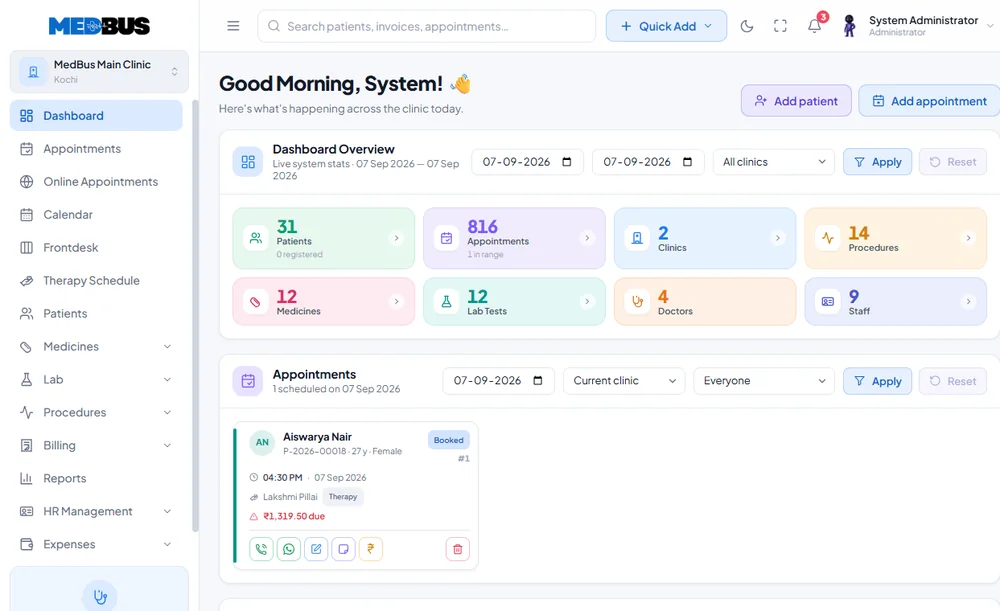
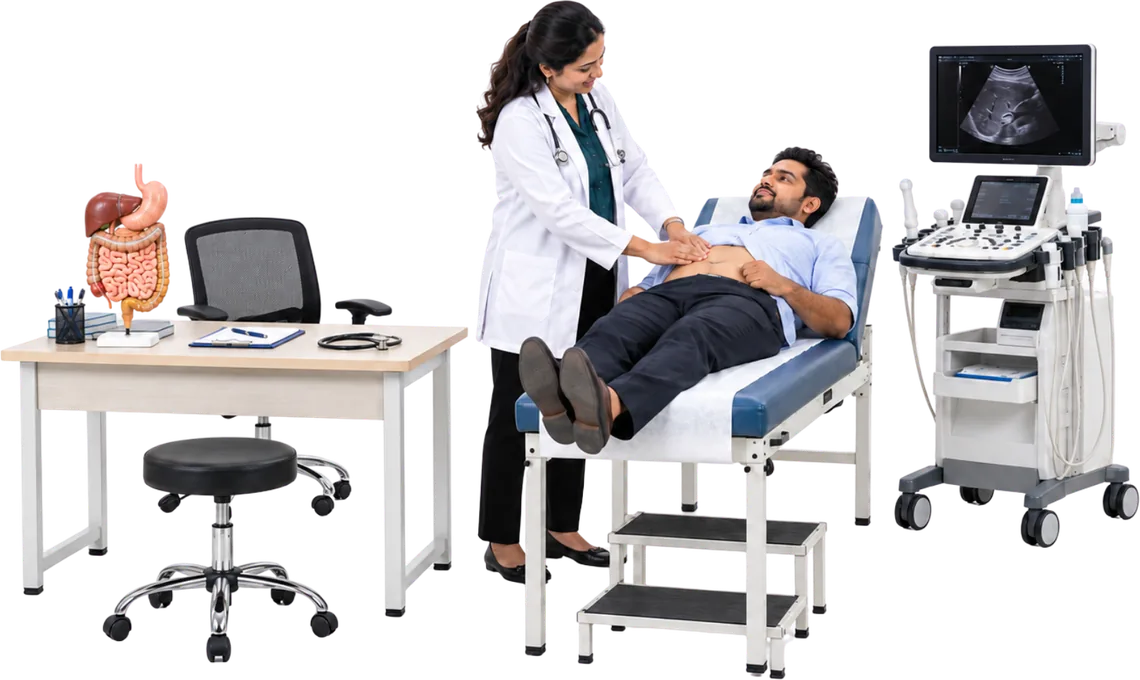
- 60+ clinics trust Medbus
- 17 clinic specialties supported
- 99.9% platform uptime
- 24–48 hrs typical go-live time
What is gastroenterology practice software?
It manages GI consultations, investigations, endoscopy and colonoscopy, pathology, chronic disease tracking, billing and surveillance follow-up.
See every moduleCore Medbus modules
- Patient records (EHR)
- Appointments & queue
- Billing & payments
- e-Prescriptions
- Role-based access
- Reports & analytics
What gastroenterology clinics need to manage
- GI consultation and EHR
- Endoscopy and colonoscopy scheduling
- Procedure reports
- Biopsy and pathology linking
- IBD monitoring
- Hepatology follow-up
- Pre-procedure instructions
- Procedure billing and recall scheduling
How Medbus helps gastroenterology clinics
Specialty capabilities built on top of the core modules.
- Endoscopy-suite resource allocation
- Surveillance recalls
- IBD scoring workflows where configured
- Liver-disease follow-up
- Digital consent and preparation instructions
- Procedure-specific billing
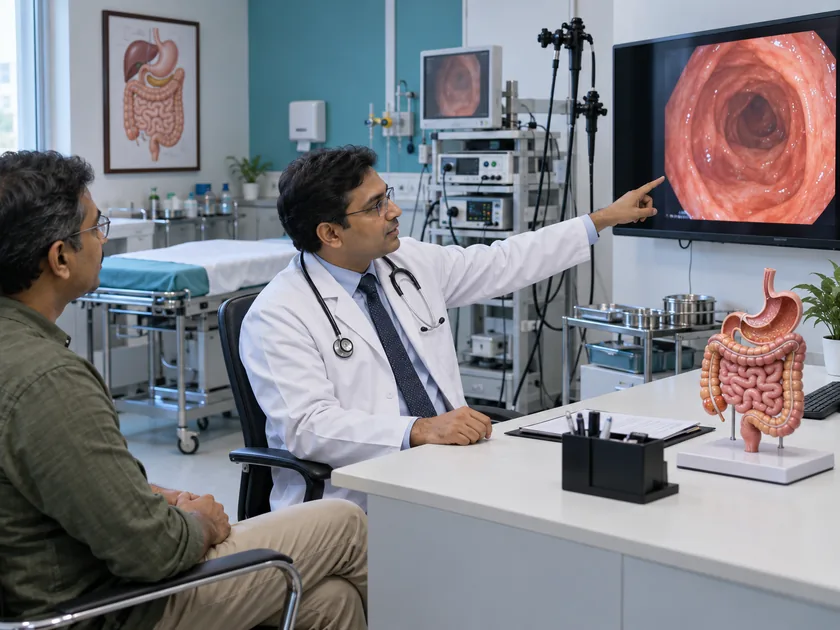
Why gastroenterology clinics need specialty-focused clinic software
A GI practice runs two schedules at once: the OPD and the endoscopy suite. Patients need preparation instructions before the procedure, reports and biopsies after it, and recalls years later — all on the same record.
- IBD Disease Activity Tracking
- Hepatology Follow-Up Management
- GI EHR Templates
- Biopsy & Pathology Report Linking
- Pre-Procedure Consent & Instructions
Gastroenterology-Specific Practice Management Features
Built for general GI, interventional endoscopy, hepatology, and IBD specialist practices.
-
Endoscopy Report Management
Document, store, and share upper GI endoscopy, colonoscopy, and ERCP procedure reports.
-
Endoscopy Suite Scheduling
Manage endoscopy suite bookings with procedure type, duration, and equipment allocation.
-
Colonoscopy Surveillance Protocol
Implement finding-based surveillance intervals with automated recall scheduling.
-
IBD Disease Activity Tracking
Monitor Crohn's and UC activity using Harvey-Bradshaw, CDAI, and Mayo Score tools.
-
Hepatology Follow-Up Management
Track liver disease progression, AFP levels, and hepatitis treatment response over time.
-
GI EHR Templates
Document GERD, IBS, IBD, liver disease, and other GI conditions with specialty templates.
-
Biopsy & Pathology Report Linking
Link biopsy and pathology reports directly to the corresponding endoscopy procedure record.
-
Pre-Procedure Consent & Instructions
Send bowel prep instructions and digital consent forms to patients automatically before procedures.
-
GI Procedure Billing
Bill endoscopy, colonoscopy, and other GI procedures with accurate endoscopy-specific coding.
From first visit to follow-up, in one system
-
Consult
Symptoms, history and prior investigations open together.
-
Prepare the patient
Procedure prep instructions go out on WhatsApp ahead of the date.
-
Scope and report
Endoscopy findings and images become a structured report.
-
Track the condition
Liver function and follow-up scopes are monitored over time.
What changes when you switch to Medbus
-
Reports with images
Structured endoscopy reports with images, ready to share.
-
Better-prepared patients
Prep instructions reach patients before the procedure day.
-
Long-term tracking
LFTs and surveillance scopes charted across visits.
-
Procedure billing
Scopes, biopsies and day-care stays bill in one step.
Explore other specialties
Built for every care provider-
 Single & Multi-Specialty Clinic
All-in-one clinic software for solo and multi-specialty medical practices.
Single & Multi-Specialty Clinic
All-in-one clinic software for solo and multi-specialty medical practices.
-
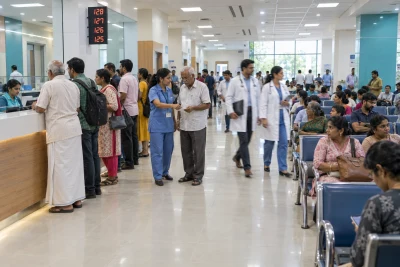 Polyclinics and Hospital OPDs
High-volume OPD management software for polyclinics and hospital outpatient departments.
Polyclinics and Hospital OPDs
High-volume OPD management software for polyclinics and hospital outpatient departments.
-
 Day-Care Centers and Diagnostic Labs
Lab information system and day-care center management software with result delivery.
Day-Care Centers and Diagnostic Labs
Lab information system and day-care center management software with result delivery.
-
 Therapy & Rehab Centers
Therapy and rehab center management with session tracking and progress notes.
Therapy & Rehab Centers
Therapy and rehab center management with session tracking and progress notes.
-
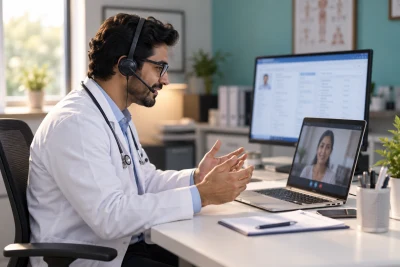 Telehealth Providers
End-to-end telehealth software for online consultations, e-prescriptions and payments.
Telehealth Providers
End-to-end telehealth software for online consultations, e-prescriptions and payments.
-
 General / Family Clinic
Simple, powerful clinic software for general practitioners and family medicine clinics.
General / Family Clinic
Simple, powerful clinic software for general practitioners and family medicine clinics.
-
 Pediatric Clinic
Pediatric clinic software with vaccination schedules, growth tracking and parent portals.
Pediatric Clinic
Pediatric clinic software with vaccination schedules, growth tracking and parent portals.
-
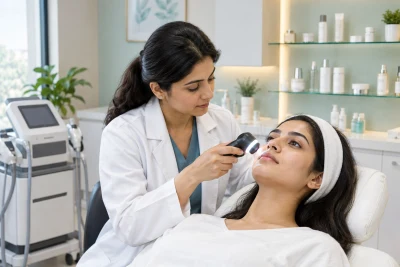 Dermatology Clinic
Dermatology practice management with before/after photo tracking and cosmetic billing.
Dermatology Clinic
Dermatology practice management with before/after photo tracking and cosmetic billing.
-
 Psychiatric & Psychology Clinic
Mental health practice management with secure session notes and client portal.
Psychiatric & Psychology Clinic
Mental health practice management with secure session notes and client portal.
-
 Obstetrics & Gynecology Clinic
OB-GYN clinic software with antenatal care tracking, trimester management and maternity billing.
Obstetrics & Gynecology Clinic
OB-GYN clinic software with antenatal care tracking, trimester management and maternity billing.
-
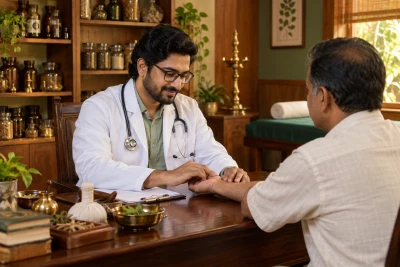 Ayurvedic Clinic
Ayurvedic practice management with Prakriti assessment, Panchakarma scheduling and herbal billing.
Ayurvedic Clinic
Ayurvedic practice management with Prakriti assessment, Panchakarma scheduling and herbal billing.
-
 Orthopedic Clinic
Orthopedic clinic software with surgical case management, implant tracking and rehab follow-up.
Orthopedic Clinic
Orthopedic clinic software with surgical case management, implant tracking and rehab follow-up.
-
 Cardiology Clinic
Cardiology clinic software with ECG uploads, cardiac risk scoring and heart specialist EHR.
Cardiology Clinic
Cardiology clinic software with ECG uploads, cardiac risk scoring and heart specialist EHR.
-
 Physiotherapy Clinic
Physiotherapy practice management with SOAP notes, exercise programs and session packages.
Physiotherapy Clinic
Physiotherapy practice management with SOAP notes, exercise programs and session packages.
-
 ENT Clinic
ENT clinic software with audiogram management, surgical case tracking and hearing aid billing.
ENT Clinic
ENT clinic software with audiogram management, surgical case tracking and hearing aid billing.
-
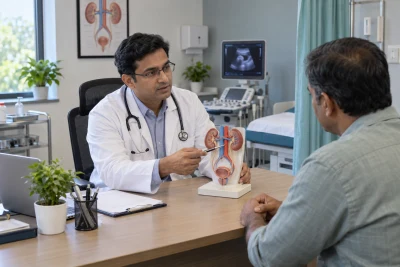 Urology Clinic
Urology clinic software with procedure tracking, kidney stone management and urological billing.
Urology Clinic
Urology clinic software with procedure tracking, kidney stone management and urological billing.
Benefits for doctors and clinic owners
For doctors and clinical teams Less searching, more consistent notes.
- Access relevant patient information from one record instead of searching registers or files.
- Use specialty templates to keep documentation consistent across doctors.
- Schedule appointments and follow-ups from the same workflow as the consultation.
- Reduce duplicate entry between the front desk, clinical and billing teams.
- Keep investigations, prescriptions, procedures and documents on the patient timeline.
For clinic owners and administrators Clear numbers, repeatable processes.
- Monitor patient volumes, appointments, collections and doctor activity in management reports.
- Run consistent processes across doctors, departments and branches.
- Find operational bottlenecks in structured reports rather than scattered spreadsheets.
- See packages, procedures, outstanding payments and repeat visits where those modules are enabled.
- Add users, departments, services or branches without rebuilding the core workflow.

Security, privacy & access control
Medbus protects patient data for gastroenterology clinics with controls built into the platform. Using clinic software does not by itself make a practice compliant with healthcare or privacy law — the clinic's own policies still apply. Read the privacy policy
- Role-based access — each staff member sees only what their role allows
- Data stored encrypted on cloud infrastructure
- Audit log of user activity
- Daily automated backups
- Patient records are never shared with integration providers
Frequently asked questions
Gastroenterology Clinic FAQWhat is gastroenterology practice software?
Can Medbus connect endoscopy and pathology records?
How does Medbus schedule endoscopy and colonoscopy?
Does Medbus support IBD and liver-disease follow-up?
Does Medbus send colonoscopy surveillance recalls?
Can Medbus be customized for our existing workflow?
What security and access controls does Medbus provide?
Can we add more doctors, users or branches later?
Last updated . Capabilities marked "where configured" depend on the modules enabled for your clinic.
See Medbus in action for your clinic
Every clinic has a different patient journey. Tell us your clinic type, number of doctors, branches, services and current workflow, and we will demonstrate the modules that matter to gastroenterology clinics — from registration and appointments to specialty documentation, billing, reporting and follow-up — before you choose a plan.
- No obligation, no setup fee
- A walkthrough of your specialty
- Reply within one working day
- Free onboarding and migration

Request your free demo
Tell us about your clinic — we'll set up a walkthrough around it.