

What is a laboratory information system (LIS)?
A laboratory information system manages a lab's workflow: test orders, sample collection and barcoding, result entry against reference ranges, verification, report generation and billing. In a clinic, an integrated LIS links each test to the doctor's order and attaches the verified result to the patient's medical record automatically.
Explore the featuresKey takeaways
- No transcription between request slip and report
- Every sample traceable by barcode
- Out-of-range values flagged automatically
- Reports reach patients without a second visit
- Results waiting in the EMR at the next consult
What Medbus Laboratory Management does for your clinic
8 capabilities, all on the same patient record as the rest of Medbus.
-
Orders from the consultation
Doctors order tests from the EMR; the lab worklist updates instantly — no paper slips.
-
Custom test catalogue
Tests, panels and profiles with your own prices, sample types and reference ranges by age and sex.
-
Barcoded sample collection
Print a barcode at collection and track every sample from draw to result.
-
Result entry with flags
Values outside the reference range are flagged automatically as results are entered.
-
Two-step verification
A technician enters results and a pathologist or authorised user verifies before release.
-
Branded PDF reports
Reports carry your letterhead and signatures, sent by WhatsApp or email where configured.
-
Turnaround tracking
See pending, in-progress and delayed samples against each test's expected turnaround time.
-
Lab billing & referrals
Bill walk-in and referred patients, and track referring-doctor activity.
Laboratory Management in Medbus, step by step
-
1
Test ordered
The doctor orders from the consultation, or the front desk books a walk-in test.
-
2
Sample collected
A barcode is printed and the sample joins the lab worklist.
-
3
Result verified
Results are entered, flagged against ranges and verified before release.
-
4
Report delivered
The PDF report goes to the patient and attaches to the EMR.
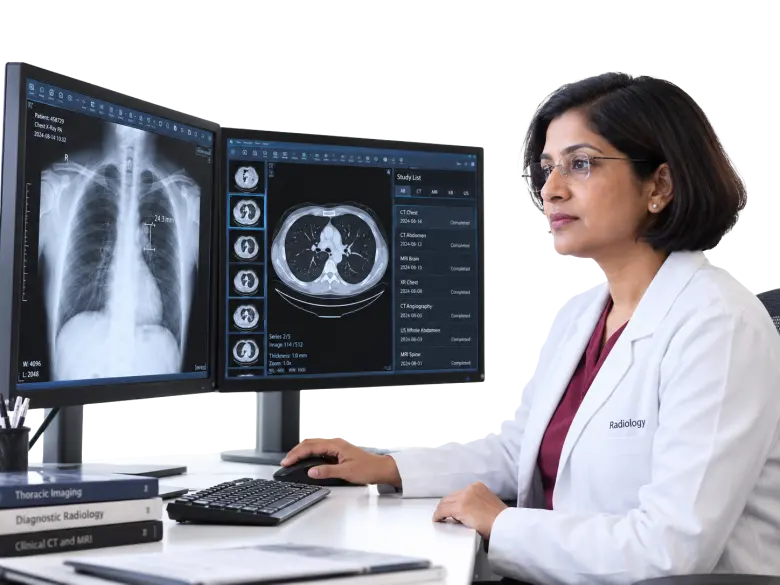
Why an in-clinic lab needs its own system
Handwritten request slips, unlabelled tubes and reports typed into Word are where lab errors start. A connected LIS takes the order from the doctor, labels the sample once, checks every value against its range and puts the verified report where the doctor will look for it.
- No transcription between request slip and report
- Every sample traceable by barcode
- Out-of-range values flagged automatically
- Reports reach patients without a second visit
- Results waiting in the EMR at the next consult
How Medbus makes Laboratory Management better
-
Fewer errors
Barcodes and two-step verification remove the commonest mix-ups.
-
Faster reports
Turnaround is tracked, so delayed samples are noticed early.
-
Happier patients
Reports arrive on the phone instead of needing a pick-up.
-
More lab revenue
Every ordered test is billed, and referrals are tracked.
How you can customise Laboratory Management
Set up for your clinic during onboarding — no custom development, and you can change it later.
-
Test catalogue
Your tests, panels, prices, sample types and units.
-
Reference ranges
Ranges by age and sex, with flags for abnormal values.
-
Report design
Letterhead, signatures and interpretation notes on every report.
-
Verification steps
Who enters and who verifies results before release.
-
Delivery rules
Which reports go to patients automatically and by which channel.
Works with the rest of Medbus
One patient record, every module connected- Electronic Medical Records (EMR) EMR (electronic medical records) software replaces paper case files with a digital patient record Learn more
- Billing & Invoicing Clinic billing software creates invoices for consultations, procedures, tests, packages and pharmacy sales, records pa... Learn more
- Email Integration Email integration connects clinic software to an email service so messages are sent automatically when something happe... Learn more
Frequently asked questions
Laboratory Management FAQHow does the Medbus lab module work with the doctor's consultation?
Can we set our own tests, panels and reference ranges?
How are lab reports sent to patients?
Does Medbus lab software support result verification?
Can Medbus connect to lab analysers?
Is this the same as Medbus diagnostic lab software?
Last updated . Capabilities marked * or "where configured" depend on your plan, region and the modules enabled for your clinic.
See Medbus Laboratory Management in action
Book a free walkthrough with a Medbus specialist. Tell us how your clinic works today and we will show you laboratory management running on your own services, doctors and branches — along with the modules it connects to — before you choose a plan.
- No obligation, no setup fee
- A walkthrough of your specialty
- Reply within one working day
- Free onboarding and migration

Request your free demo
Tell us about your clinic — we'll set up a walkthrough around it.