
Radiology Management Software Imaging Orders, Reports & Secure Delivery
The Medbus radiology module connects imaging to the rest of the clinic. Doctors order X-ray, ultrasound or CT from the consultation, radiology uploads the report and images to the patient record, access is limited to the right roles, and reports reach patients securely instead of on paper.
- Imaging orders from the consult
- Report & image uploads
- Controlled access to imaging
- Secure report delivery
- Free personalised demo
- No setup fee
- Onboarding & data migration included
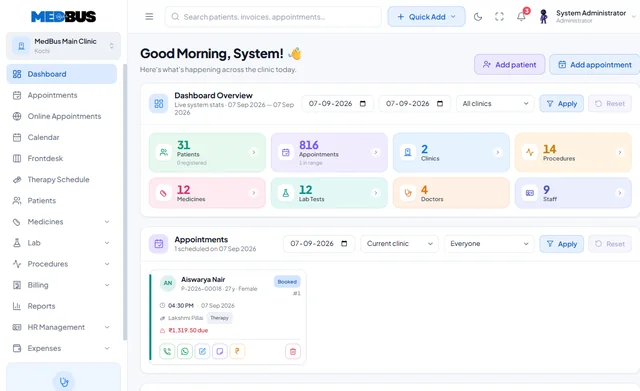
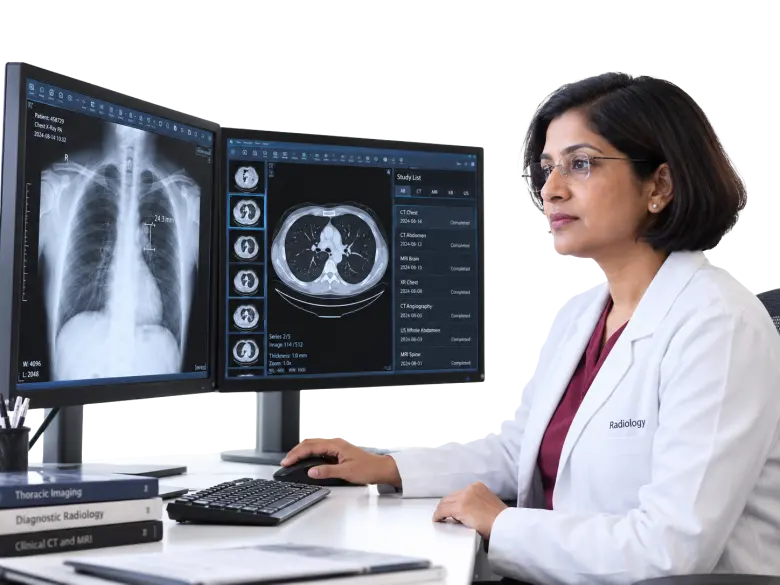
What is radiology management software?
Radiology management software, often called a radiology information system (RIS), manages imaging orders, scheduling, reports and image attachments, and delivers results to doctors and patients. In a clinic it links each study to the doctor's order and the patient's record.
Explore the featuresKey takeaways
- Reports reach the doctor instantly
- No lost films or report printouts
- Consistent reports with templates
- Imaging access limited to the right people
- Studies billed automatically
What Medbus Radiology Module does for your clinic
8 capabilities, all on the same patient record as the rest of Medbus.
-
Orders from the consultation
Doctors order imaging from the EMR; radiology sees the request with clinical notes.
-
Report & image uploads
Attach reports and key images to the patient record against the original order.
-
Report templates
Structured templates per study type for consistent, faster reporting.
-
PACS / DICOM-ready workflows*
Link to the imaging viewer you already use as a custom integration.
-
Controlled access
Only the roles that should see imaging data can open it, and every view is logged.
-
Report delivery to patients
Share reports securely by WhatsApp or email where configured, instead of printing.
-
Radiology billing
Studies flow onto the patient's bill with your rates and packages.
-
Turnaround tracking
See pending studies and reports waiting for sign-off.
Radiology Module in Medbus, step by step
-
1
Study ordered
The doctor orders imaging from the consultation.
-
2
Study performed
Radiology sees the request and the clinical notes.
-
3
Report uploaded
Report and images attach to the patient record.
-
4
Delivered
The doctor sees it; the patient receives it securely.
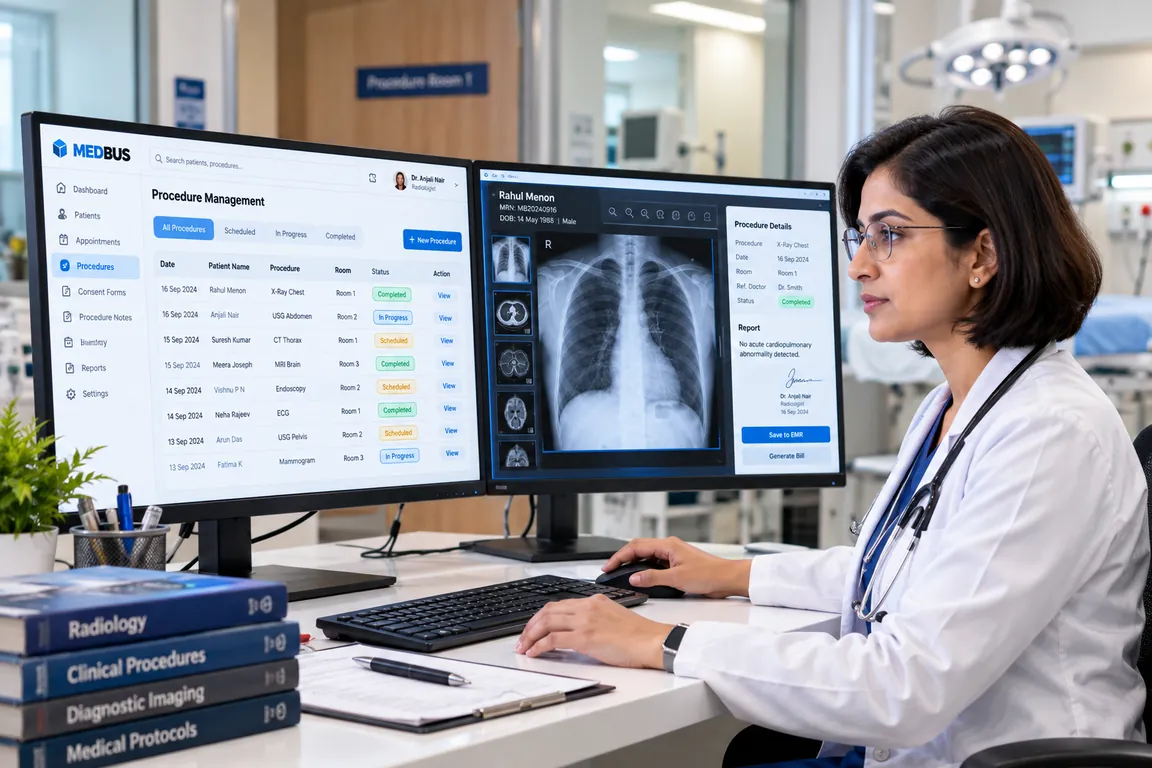
Why imaging should live on the patient record
When X-ray and scan reports travel on paper or film, they are lost, delayed and unavailable at the next consult. Linking imaging to the order and the record means the doctor sees the report as soon as it is signed, and the patient does not have to come back to collect it.
- Reports reach the doctor instantly
- No lost films or report printouts
- Consistent reports with templates
- Imaging access limited to the right people
- Studies billed automatically
How Medbus makes Radiology Module better
-
Faster decisions
Reports are on the record the moment they are signed.
-
Fewer return trips
Patients receive reports without collecting them.
-
Consistent reporting
Templates keep reports complete and comparable.
-
Protected data
Role-based access and logs for every study.
How you can customise Radiology Module
Set up for your clinic during onboarding — no custom development, and you can change it later.
-
Study catalogue & rates
Your modalities, study names, prices and packages.
-
Report templates
Structured formats per study type, with your letterhead and radiologist signature block.
-
Delivery rules
Choose which reports go to patients automatically and by which channel.
-
Access by role
Decide which doctors and staff can view images and reports.
-
Viewer integration
Connect your existing PACS/DICOM viewer as a custom integration on Enterprise.
Works with the rest of Medbus
One patient record, every module connected- Laboratory Management A laboratory information system manages a lab's workflow: test orders, sample collection and barcoding, result entry a... Learn more
- Doctor Module Doctor consultation software is the doctor's workspace in a clinic system Learn more
- Electronic Medical Records (EMR) EMR (electronic medical records) software replaces paper case files with a digital patient record Learn more
Frequently asked questions
Radiology Module FAQWhat does the Medbus radiology module do?
Does Medbus integrate with PACS or DICOM viewers?
Can radiologists use report templates?
How are radiology reports shared with patients?
Who can see imaging data in Medbus?
Which plan includes the radiology module?
Last updated . Capabilities marked * or "where configured" depend on your plan, region and the modules enabled for your clinic.
See Medbus Radiology Module in action
Book a free walkthrough with a Medbus specialist. Tell us how your clinic works today and we will show you radiology module running on your own services, doctors and branches — along with the modules it connects to — before you choose a plan.
- No obligation, no setup fee
- A walkthrough of your specialty
- Reply within one working day
- Free onboarding and migration

Request your free demo
Tell us about your clinic — we'll set up a walkthrough around it.