
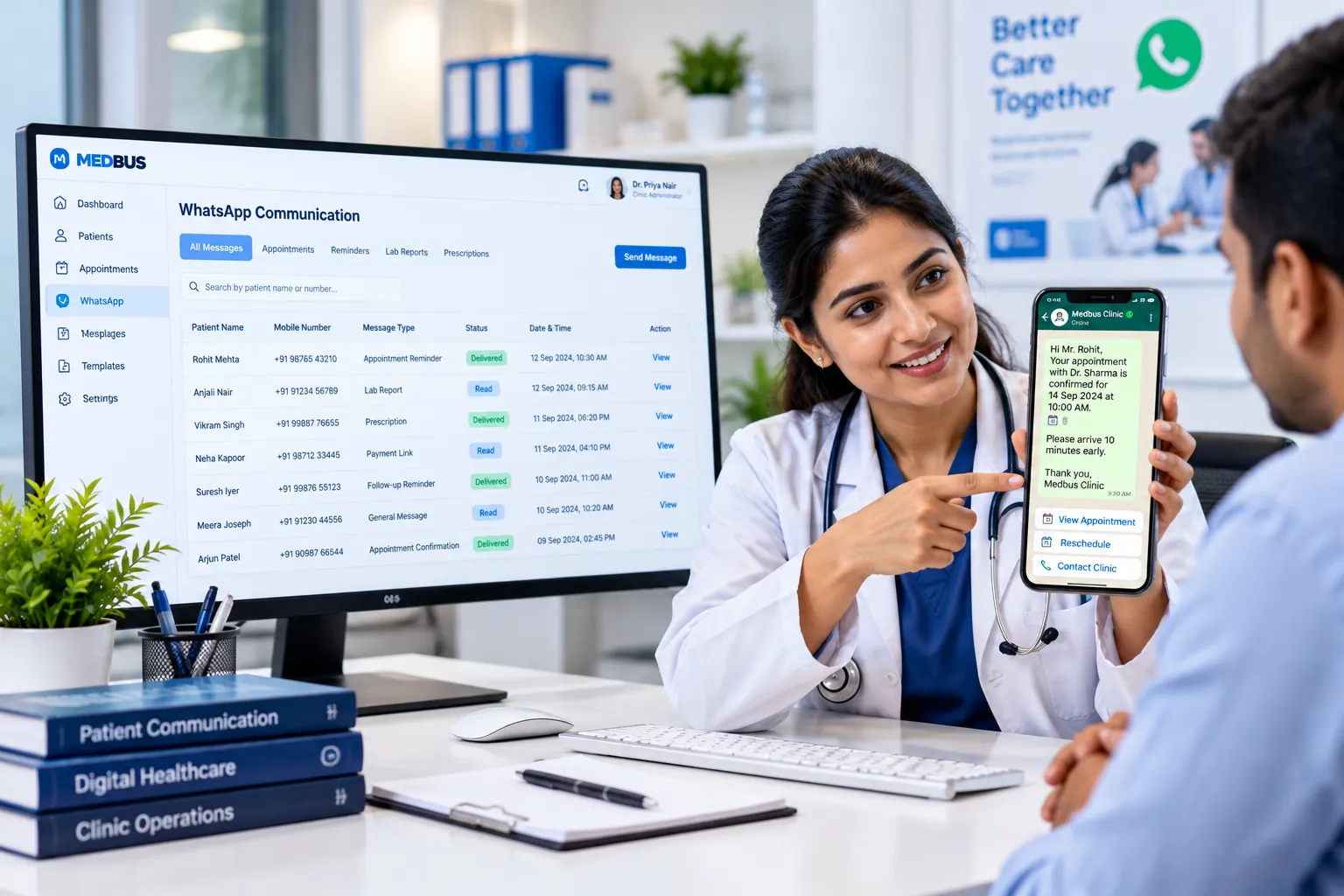
What is WhatsApp Business API integration for clinics?
WhatsApp Business API integration lets clinic software send messages automatically from the clinic's own verified WhatsApp number. Unlike the WhatsApp Business app on one phone, the API sends approved template messages — reminders, reports, bills — at scale, triggered by events in the clinic system, and logs every message.
Explore the featuresKey takeaways
- Reminders patients actually read
- No staff phones holding patient chats
- Reports delivered without a second visit
- Faster payment through chat links
- Every message recorded and auditable
What Medbus WhatsApp API Integration does for your clinic
8 capabilities, all on the same patient record as the rest of Medbus.
-
Official WhatsApp Business API
Messages come from your clinic's verified business number, not a staff member's phone.
-
Appointment confirmations & reminders
Sent automatically when a booking is made and again before the visit.
-
Booking via WhatsApp
Patients can request or book appointments by replying, where configured.
-
Lab reports & prescriptions
Verified reports and e-prescriptions delivered as PDF documents.
-
Bills & payment links
Invoices and Razorpay payment links sent on chat for faster collection.
-
Follow-up & recall campaigns
Review reminders and health-check campaigns from the clinic CRM.
-
Approved message templates
Pre-built templates for common messages, submitted for WhatsApp approval.
-
Delivery & read status
Every message logged on the patient record with its delivery and read status.
WhatsApp API Integration in Medbus, step by step
-
1
Connect your number
Your WhatsApp Business account is connected through Interakt in Settings.
-
2
Approve templates
Reminder, report and billing templates are submitted for approval.
-
3
Messages trigger
Bookings, reports and bills send the right message automatically.
-
4
Track delivery
See delivered and read status on each patient's record.
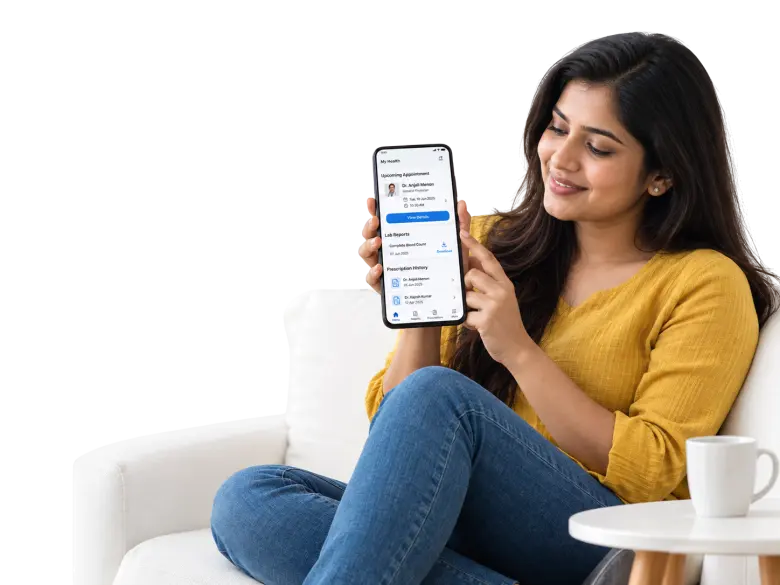
Why clinics move from the WhatsApp app to the API
Sending reminders and reports from a receptionist's phone does not scale, mixes personal and clinic chats, and leaves no record. The WhatsApp Business API sends from the clinic's verified number, automatically, with every message logged — and patients still get it on the app they already use.
- Reminders patients actually read
- No staff phones holding patient chats
- Reports delivered without a second visit
- Faster payment through chat links
- Every message recorded and auditable
How Medbus makes WhatsApp API Integration better
-
Fewer no-shows
WhatsApp reminders are seen in minutes, not hours.
-
Less front-desk work
Confirmations, reports and bills send themselves.
-
Faster collections
Payment links arrive where patients are already chatting.
-
Professional image
One verified clinic identity on every message.
How you can customise WhatsApp API Integration
Set up for your clinic during onboarding — no custom development, and you can change it later.
-
Message templates
Your wording for reminders, reports and bills, approved by WhatsApp.
-
Which events send messages
Bookings, reminders, reports, bills — switch each on or off.
-
Timing
When reminders go out before a visit.
-
Language
Templates in the languages your patients use.
-
Opt-outs
Patients who prefer not to receive messages are excluded automatically.
Works with the rest of Medbus
One patient record, every module connected- CRM & Patient Engagement Patient engagement software keeps a clinic in touch with patients between visits Learn more
- Payment Gateway Integration A payment gateway integration connects clinic software to a payment provider such as Razorpay or Stripe, so patients c... Learn more
- Email Integration Email integration connects clinic software to an email service so messages are sent automatically when something happe... Learn more
Frequently asked questions
WhatsApp API Integration FAQHow does WhatsApp integration work in Medbus?
What is the difference between the WhatsApp Business app and the API?
What messages can a clinic send on WhatsApp through Medbus?
Is WhatsApp messaging included in the Medbus price?
Does Medbus share patient medical records with WhatsApp?
Can patients reply or book on WhatsApp?
Last updated . Capabilities marked * or "where configured" depend on your plan, region and the modules enabled for your clinic.
See Medbus WhatsApp API Integration in action
Book a free walkthrough with a Medbus specialist. Tell us how your clinic works today and we will show you whatsapp api integration running on your own services, doctors and branches — along with the modules it connects to — before you choose a plan.
- No obligation, no setup fee
- A walkthrough of your specialty
- Reply within one working day
- Free onboarding and migration

Request your free demo
Tell us about your clinic — we'll set up a walkthrough around it.