
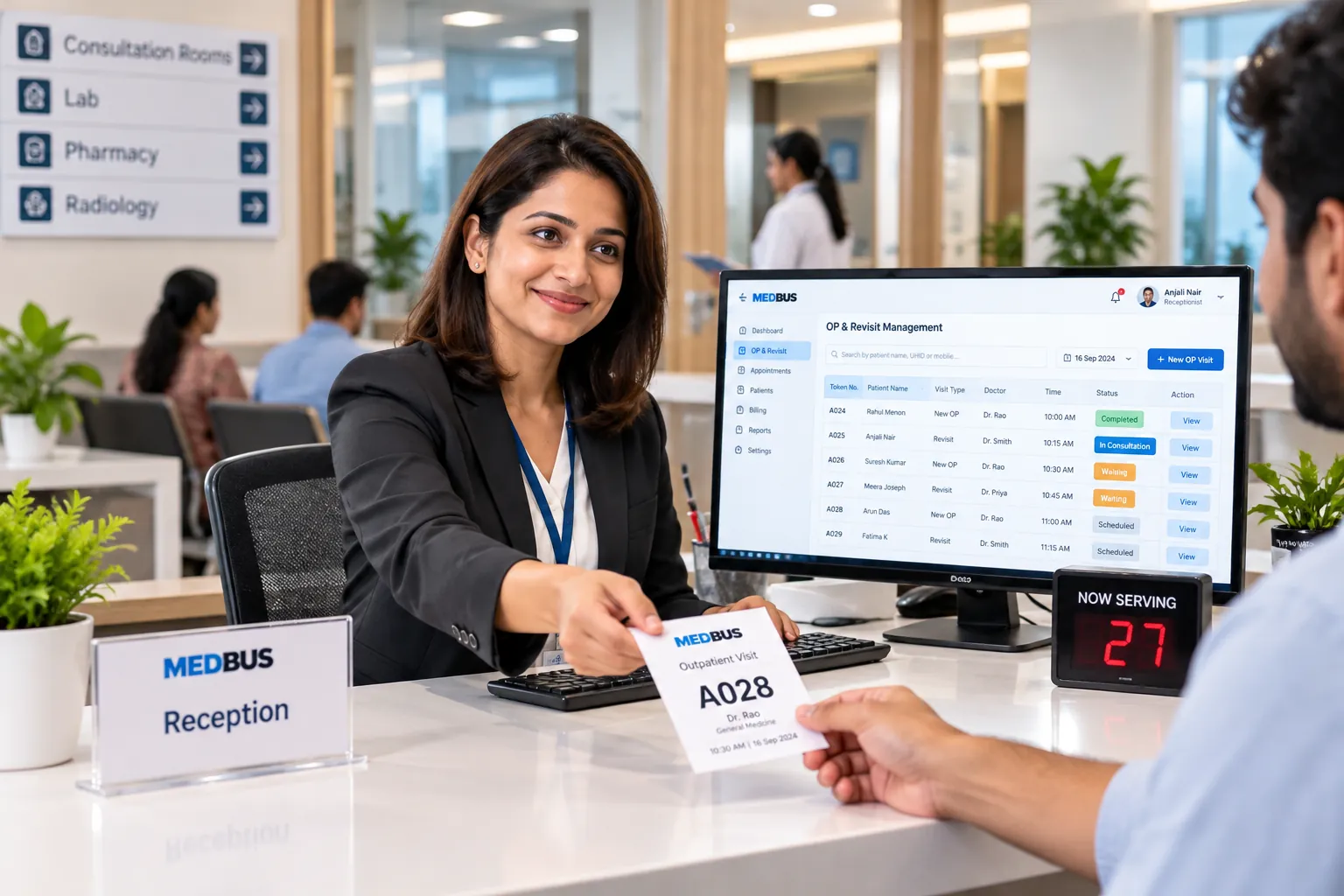
What is OP management software?
OP (outpatient) management software handles everything about a clinic visit that does not involve admission: patient registration, OP numbers, visit fees and validity, queues, consultation, revisits and follow-ups. It tracks each patient's visit history and reports OP volume by doctor, department and day.
Explore the featuresKey takeaways
- Registration in under a minute
- Revisit fees applied consistently
- No missed review appointments
- Full history for every returning patient
- Clear view of OP load per doctor
What Medbus OP & Revisit Management does for your clinic
8 capabilities, all on the same patient record as the rest of Medbus.
-
Fast OP registration
Register a new patient with the minimum details, or find a returning one by name, phone or OP number.
-
Unique OP number
Every patient gets a permanent OP/UHID number that follows them across visits and branches.
-
Revisit validity rules
Set how many days a consultation fee covers free or reduced revisits, applied automatically.
-
Automatic revisit scheduling
The review date the doctor sets becomes a booked revisit and a reminder.
-
Visit timeline
Every OP visit, prescription, test and bill in date order for each patient.
-
Referral tracking
Record who referred the patient and see referral sources in reports.
-
OP card & token printing
Print an OP card or slip with token number, doctor and visit details.
-
Doctor-wise OP reports
New vs returning patients, OP volume and revenue per doctor, department and day.
OP & Revisit Management in Medbus, step by step
-
1
Register or find
A new patient is registered; a returning one is found in seconds.
-
2
Fee & token
The right fee — new, revisit or free review — is applied and a token issued.
-
3
Consultation
The doctor consults with the full visit history on screen.
-
4
Revisit booked
The next review is scheduled and the patient is reminded.
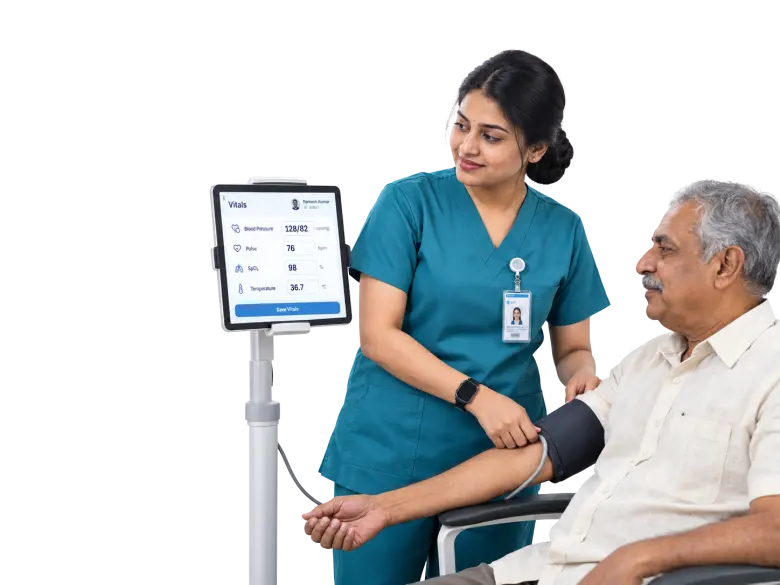
Why OP tracking matters for a growing clinic
Revisit rules applied by memory lead to arguments at the counter and lost fees; review dates written on paper are forgotten. When OP registration, revisit validity and follow-ups are handled by the system, the front desk is consistent and patients come back when the doctor intended.
- Registration in under a minute
- Revisit fees applied consistently
- No missed review appointments
- Full history for every returning patient
- Clear view of OP load per doctor
How Medbus makes OP & Revisit Management better
-
Shorter registration queue
Returning patients are found, not re-registered.
-
Consistent fees
Revisit validity is applied by rule, not by memory.
-
More completed reviews
Revisits are booked and reminded automatically.
-
Better OP planning
Doctor-wise load reports guide rosters and timings.
How you can customise OP & Revisit Management
Set up for your clinic during onboarding — no custom development, and you can change it later.
-
Revisit validity
How many days a fee covers free or reduced revisits.
-
OP fees
Fees by doctor, department and visit type.
-
OP card format
Your design for the OP slip or patient card.
-
Registration fields
Only the details you need at the counter.
-
Referral sources
Your own list of referral sources for reports.
Works with the rest of Medbus
One patient record, every module connected- Appointments & Scheduling Clinic appointment scheduling software manages doctor availability, patient bookings, walk-ins and waiting queues in o... Learn more
- Electronic Medical Records (EMR) EMR (electronic medical records) software replaces paper case files with a digital patient record Learn more
- CRM & Patient Engagement Patient engagement software keeps a clinic in touch with patients between visits Learn more
Frequently asked questions
OP & Revisit Management FAQWhat does OP mean in clinic software?
Can Medbus apply free or reduced revisit fees automatically?
How does Medbus schedule revisits?
Does every patient get a permanent ID?
What OP reports are available?
Is OP management different from appointment scheduling?
Last updated . Capabilities marked * or "where configured" depend on your plan, region and the modules enabled for your clinic.
See Medbus OP & Revisit Management in action
Book a free walkthrough with a Medbus specialist. Tell us how your clinic works today and we will show you op & revisit management running on your own services, doctors and branches — along with the modules it connects to — before you choose a plan.
- No obligation, no setup fee
- A walkthrough of your specialty
- Reply within one working day
- Free onboarding and migration

Request your free demo
Tell us about your clinic — we'll set up a walkthrough around it.